
# Accessing the portal
On accessing the portal, you are prompted to log in. Enter your credentials on the login page.
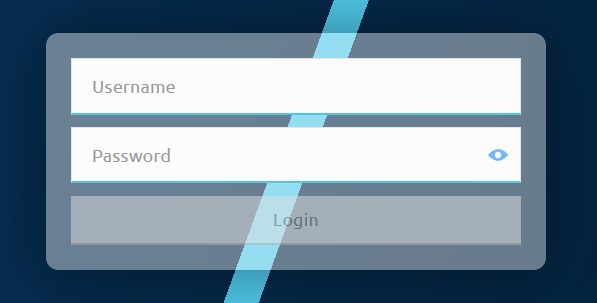
The portal implements role-based access control, meaning that the role you have determines the range of portal functionalities available to you. Currently, the following roles exist:
portaladmin: has full access to all portal functionalitiesportaluser: has limited access to portal functionalities
The following table lists all available functionalities, the navigation paths where you can access them, and the relevant roles permissions.
| Functionality | Navigation path | portaladmin | portaluser |
|---|---|---|---|
Settlement > Settlement Windows | ✓ | ✓ | |
Settlement > Settlement Windows | ✓ | ✓ | |
Settlement > Settlement Windows | ✓ | ✓ | |
Settlement > Settlement Windows | ✓ | ✓ | |
Settlement > Settlements | ✓ | ✓ | |
Participants > DFSP Financial Positions | ✓ | ✓ | |
Participants > DFSP Financial Positions | ✓ | ✓ | |
Record deposits to or withdrawals from DFSPs' liquidity accounts | Participants > DFSP Financial Positions | ✓ | ✓ |
Participants > DFSP Financial Positions | ✓ | x | |
Transfers > Find Transfers | ✓ | ✓ |